Flash
A payments app in Egypt.
2025 to now · Senior product designer
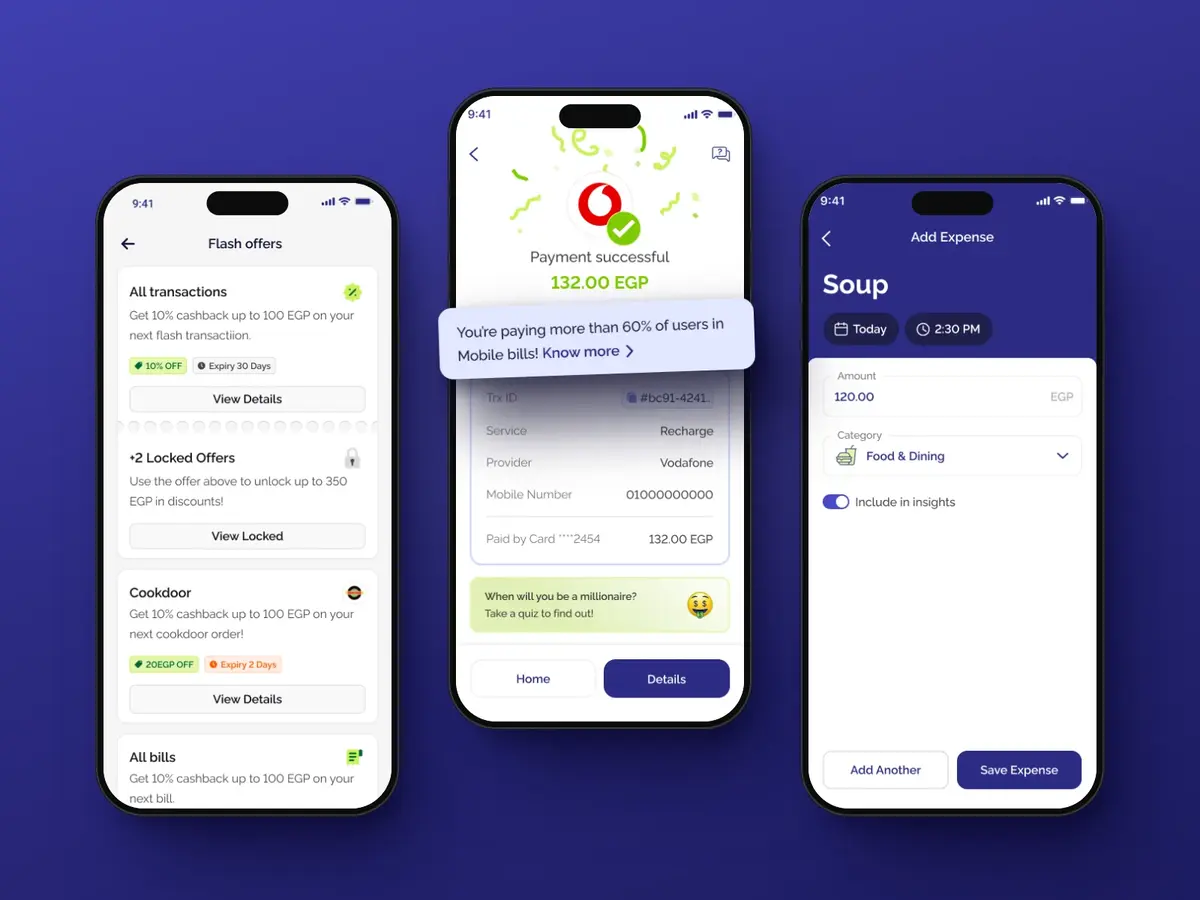
I design the bill payments and money tracking parts of the app. I also designed the wallet's transfer flow, and audited the bill payment and web checkout flows. Since September 2026 I've owned Flash Rewards end to end, as its designer and PM, business side included.
Flash Rewards
Flash Rewards are offers that merchants pay for. Customers find them in the app and use them when they pay at the shop with Flash. It started as a pilot in spring 2026 and is now live across Flash's food and drink merchants.
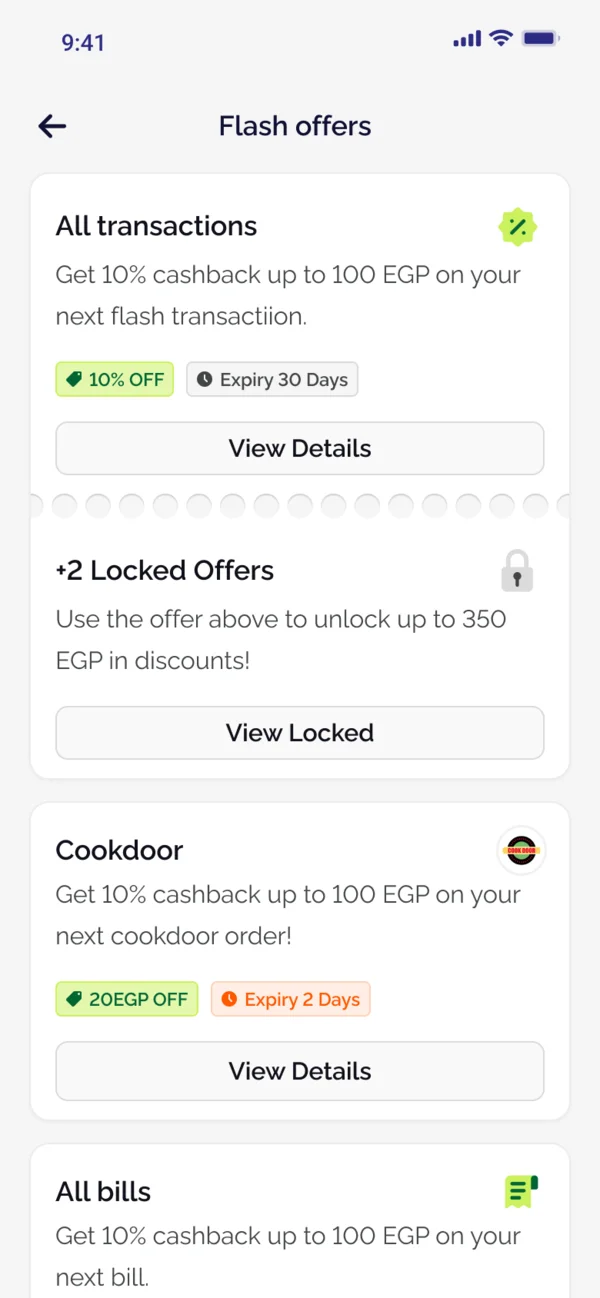
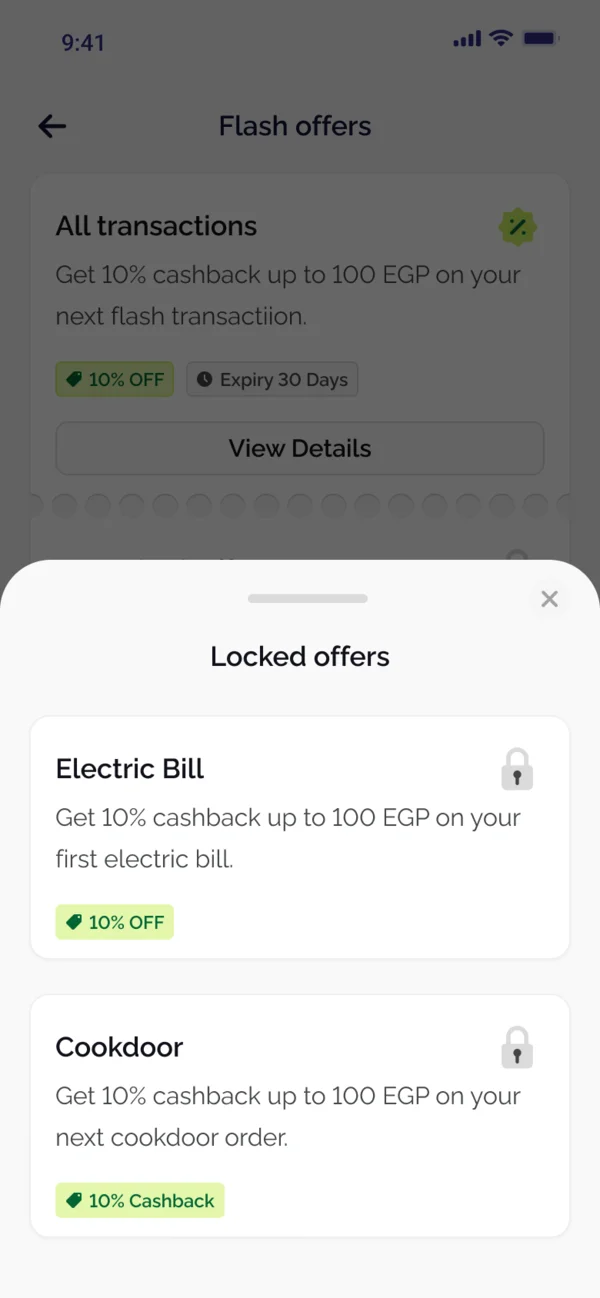
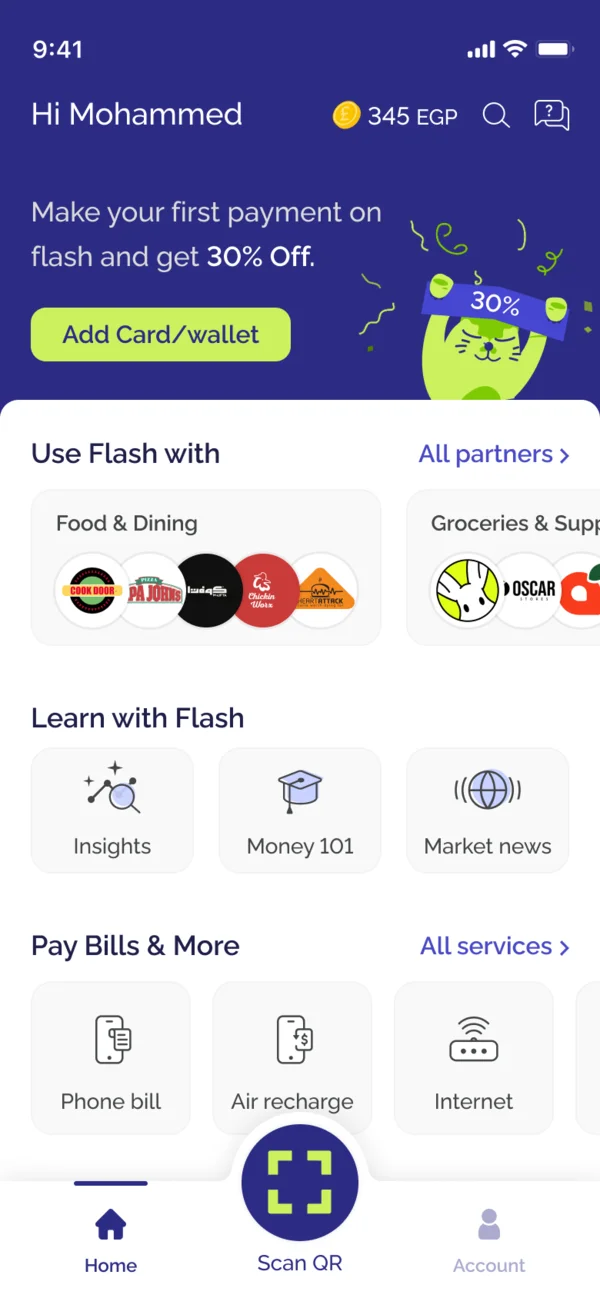
I designed the offers page, the locked offers you open by using the first one, and the sheet with each offer's details and terms. New users also see a welcome voucher on the home page: 30% off their first payment.
After you pay
I designed the screens that come after a payment. The main idea was visibility: you know at first glance whether a payment went through, is pending, or failed. When something goes wrong, the error message tells you the next step. The success screen can also show a benchmark based on your own data, like how your mobile bill compares with other users'. It's meant to inform, and to nudge people towards Flash's financial wellness tools.
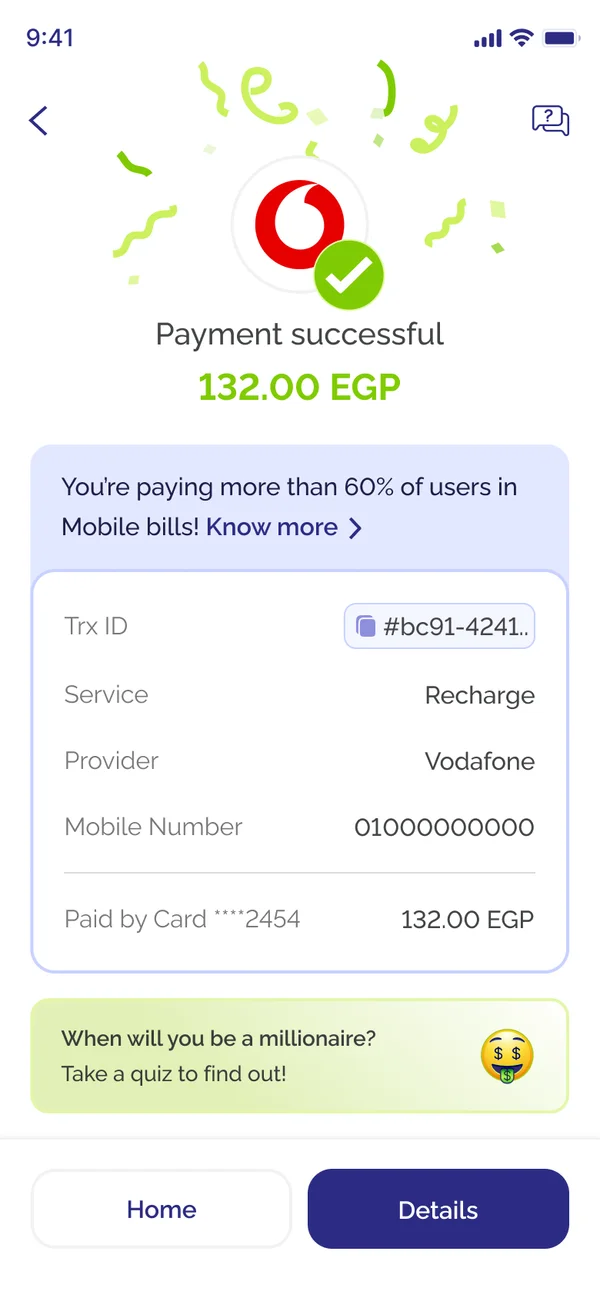
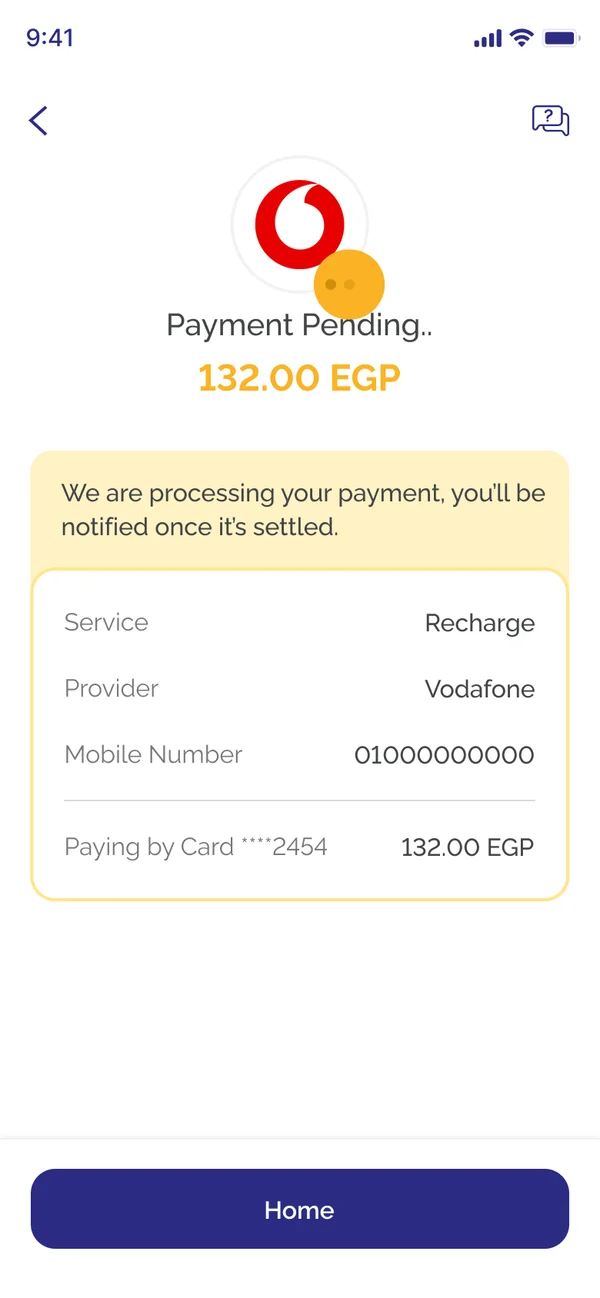
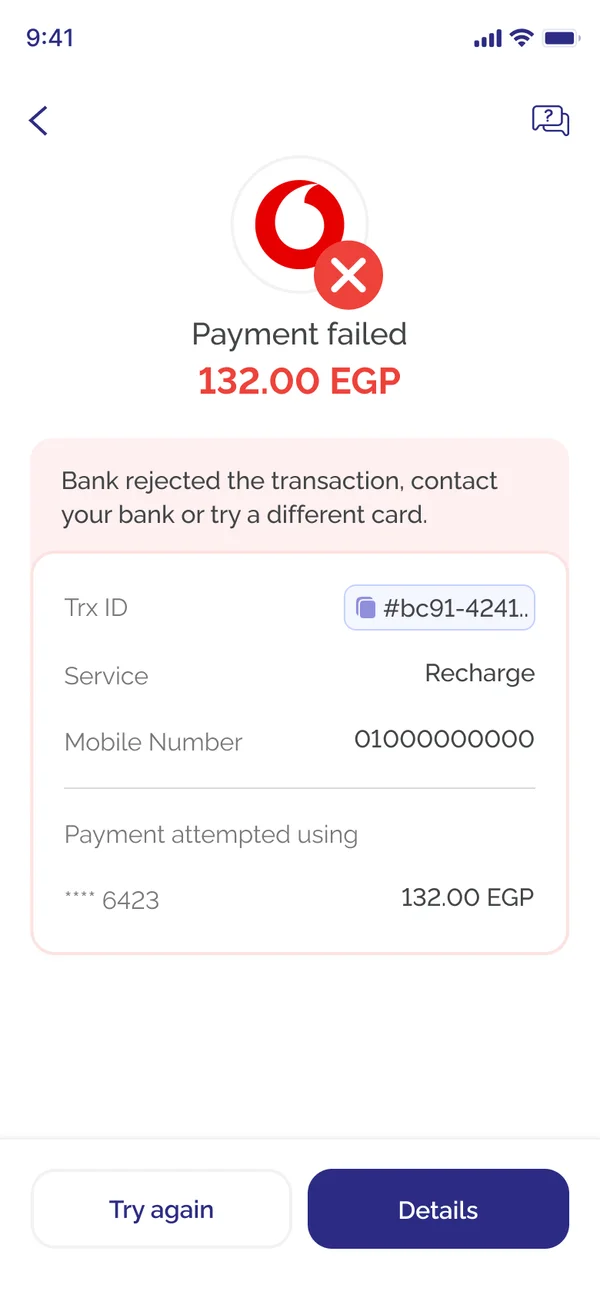
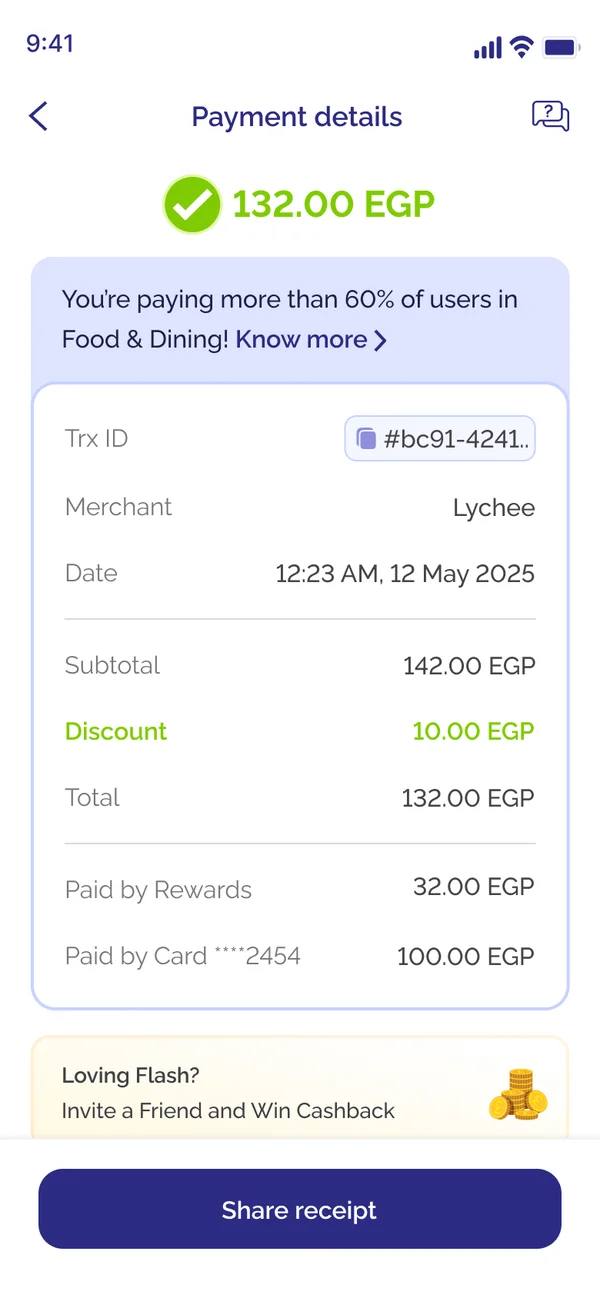
Adding an expense
Flash keeps track of what you spend. Payments made with Flash are added on their own, and you add the rest by hand. I redesigned the Add Expense page around a category map: as you type the expense's name, it picks the category, so "Soup" lands in Food & Dining before you reach the field.
The category map was entirely my idea. I researched how others handle it and found that several big players do it this way. Then I designed ours, tested it in Floto, built it and opened the PR myself, and the team loved it.
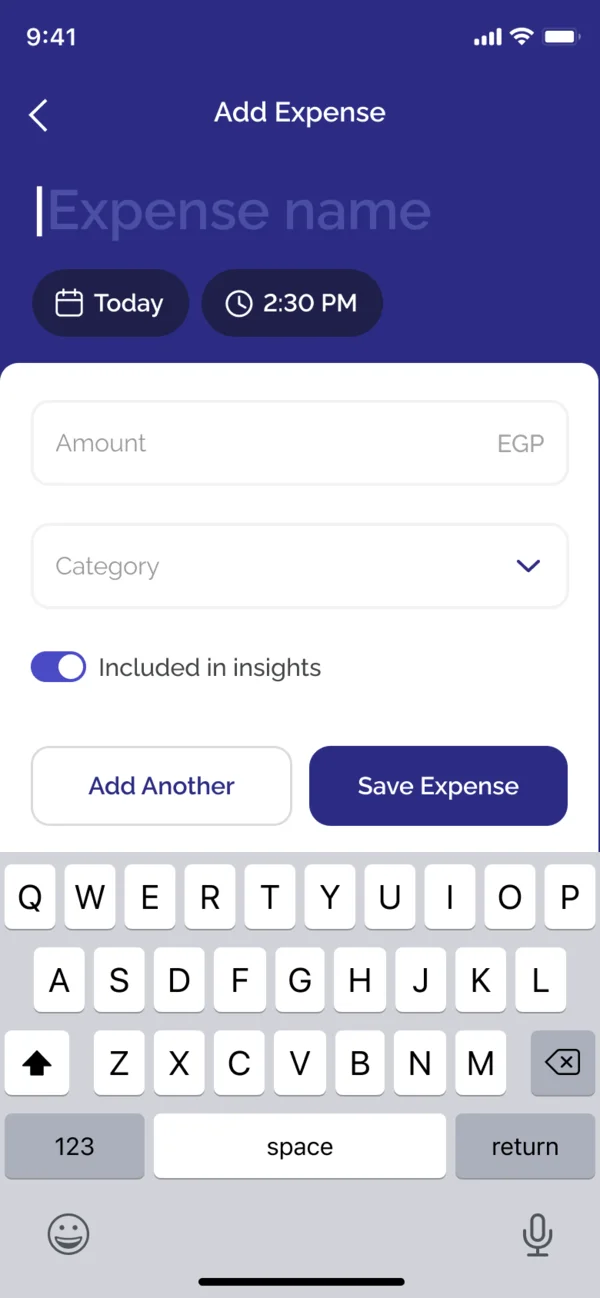 Typing the name
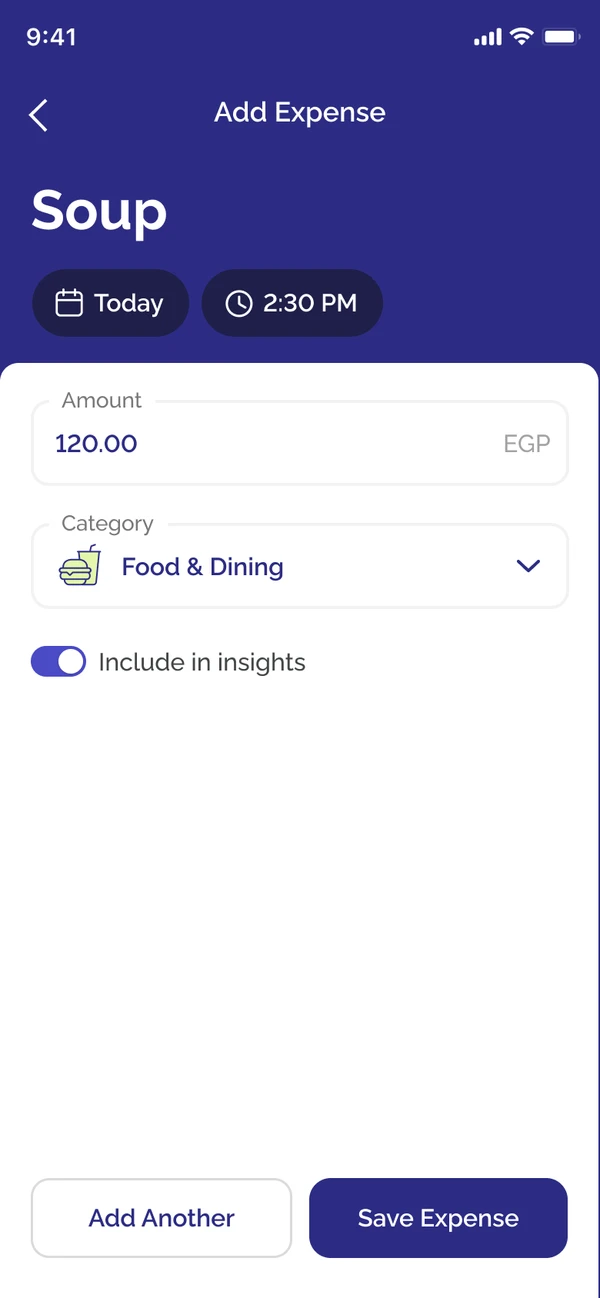 The category, filled in
Gold & Rates
Flash already showed live gold prices. But in Egypt there was no record of past gold prices and no chart of how gold has done over time, and the price here differs from the world price because of local markups and the exchange rate. So I suggested adding the history.
I tracked the price myself, month by month, for the last three years, and compiled it into a dataset the team uploaded. Then I designed the chart. Gold & Rates now shows gold for each karat and exchange rates against the pound, each with its history, in English and Arabic.
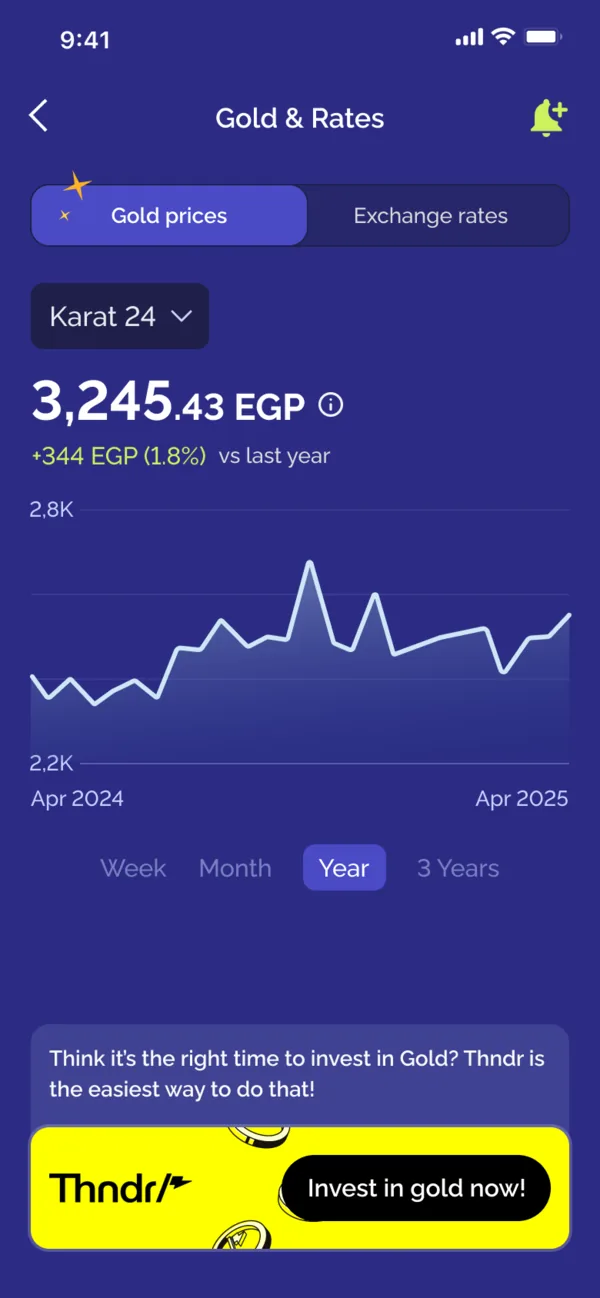
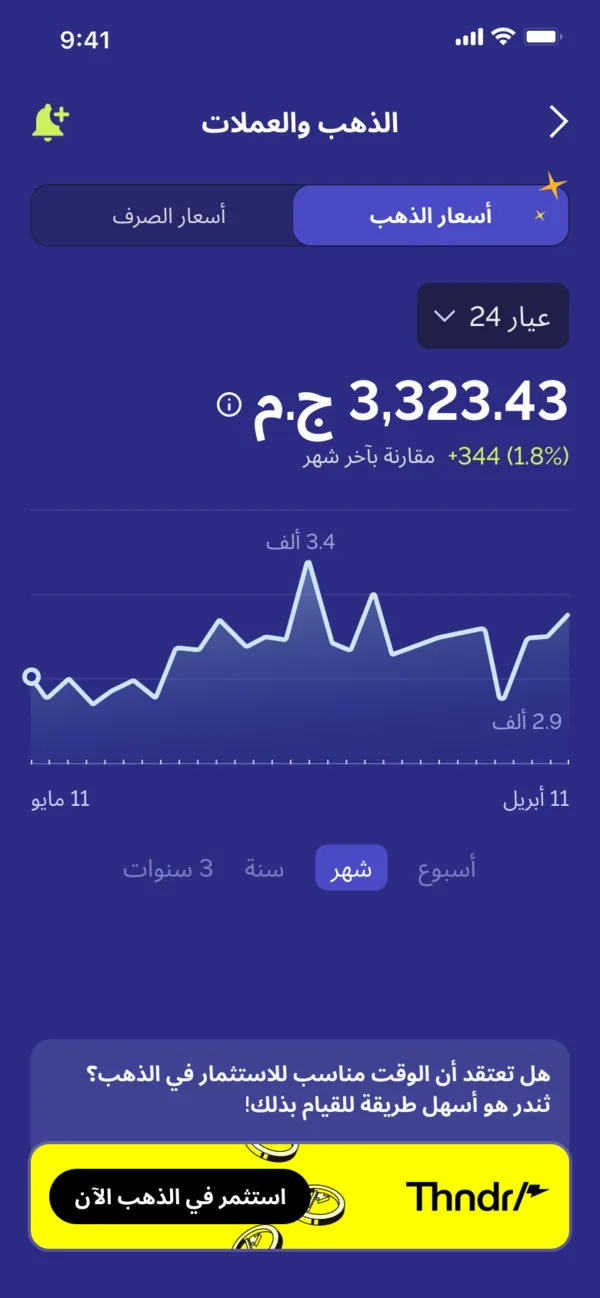
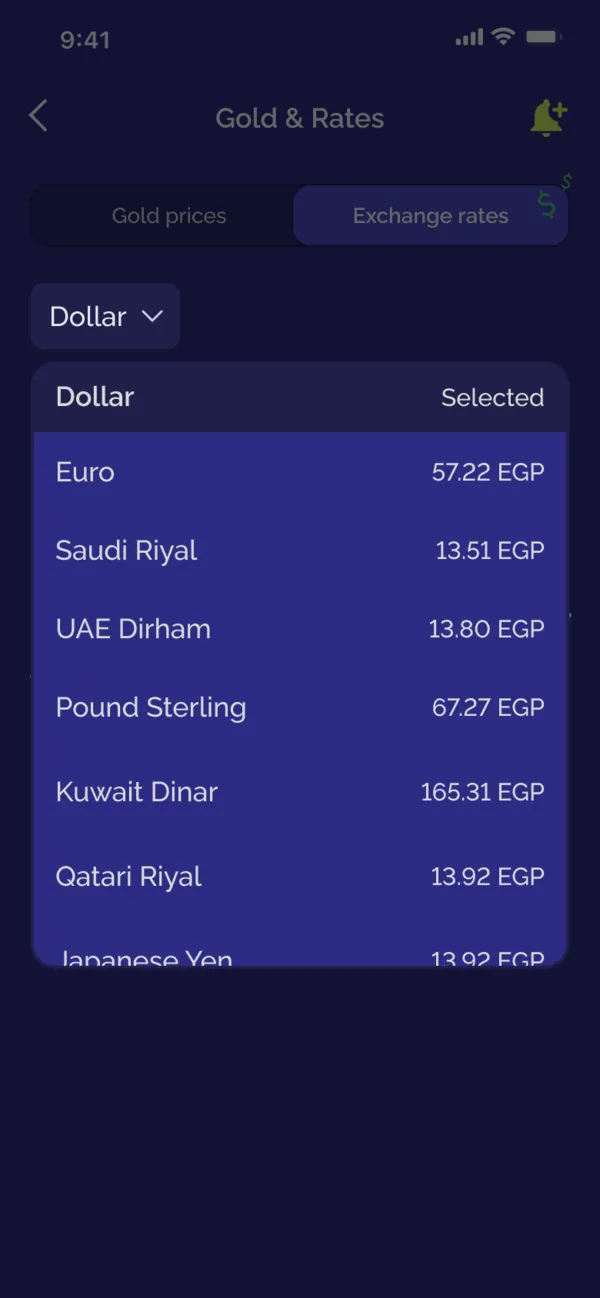
The chart had replaced the list of spot prices. Later, in a refresh, I brought the list back, because I'd found two kinds of users. More savvy ones want the chart, to see how the price moves over time. Others just want today's price for each karat at a glance. Now each can choose.
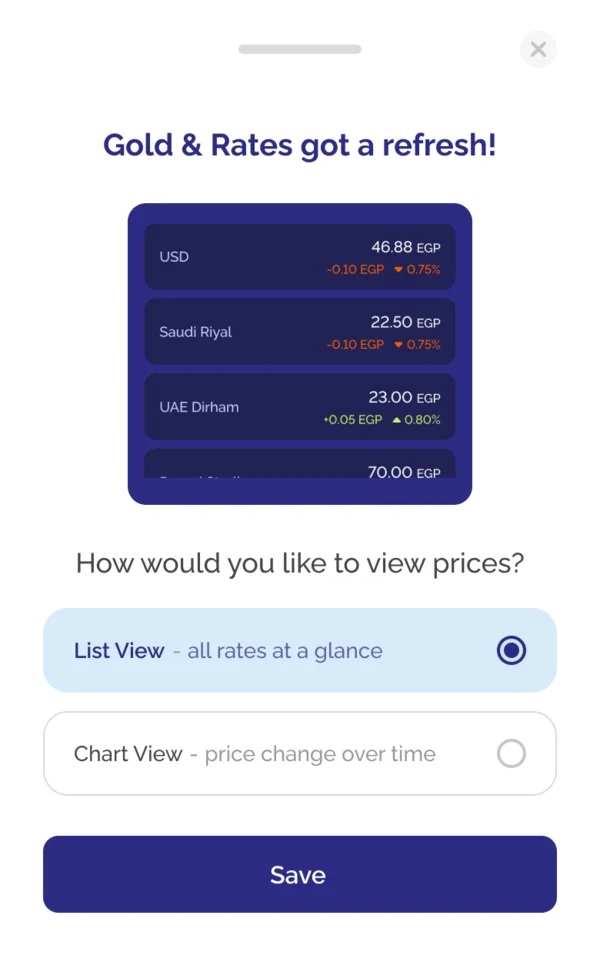 List view
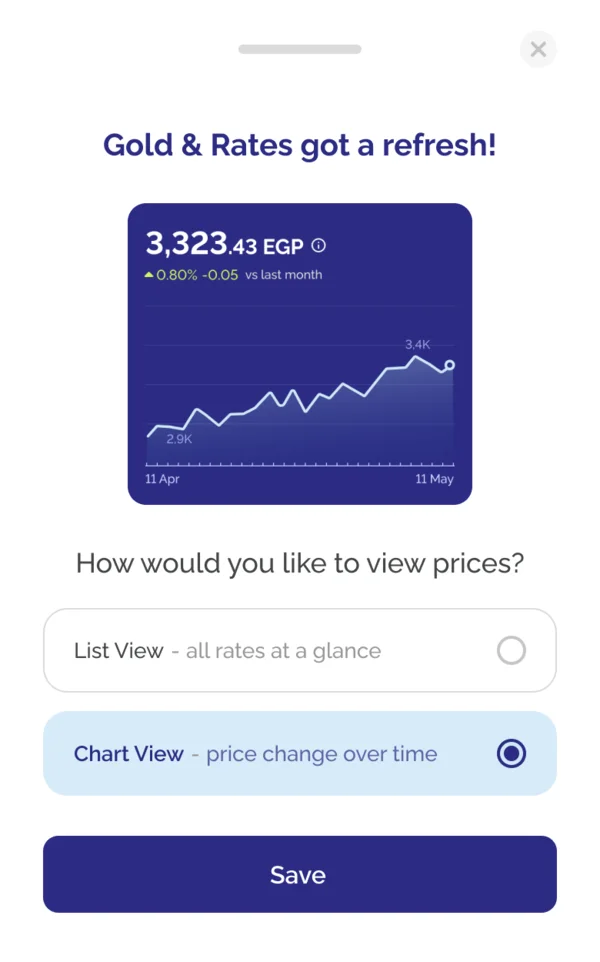 Chart view